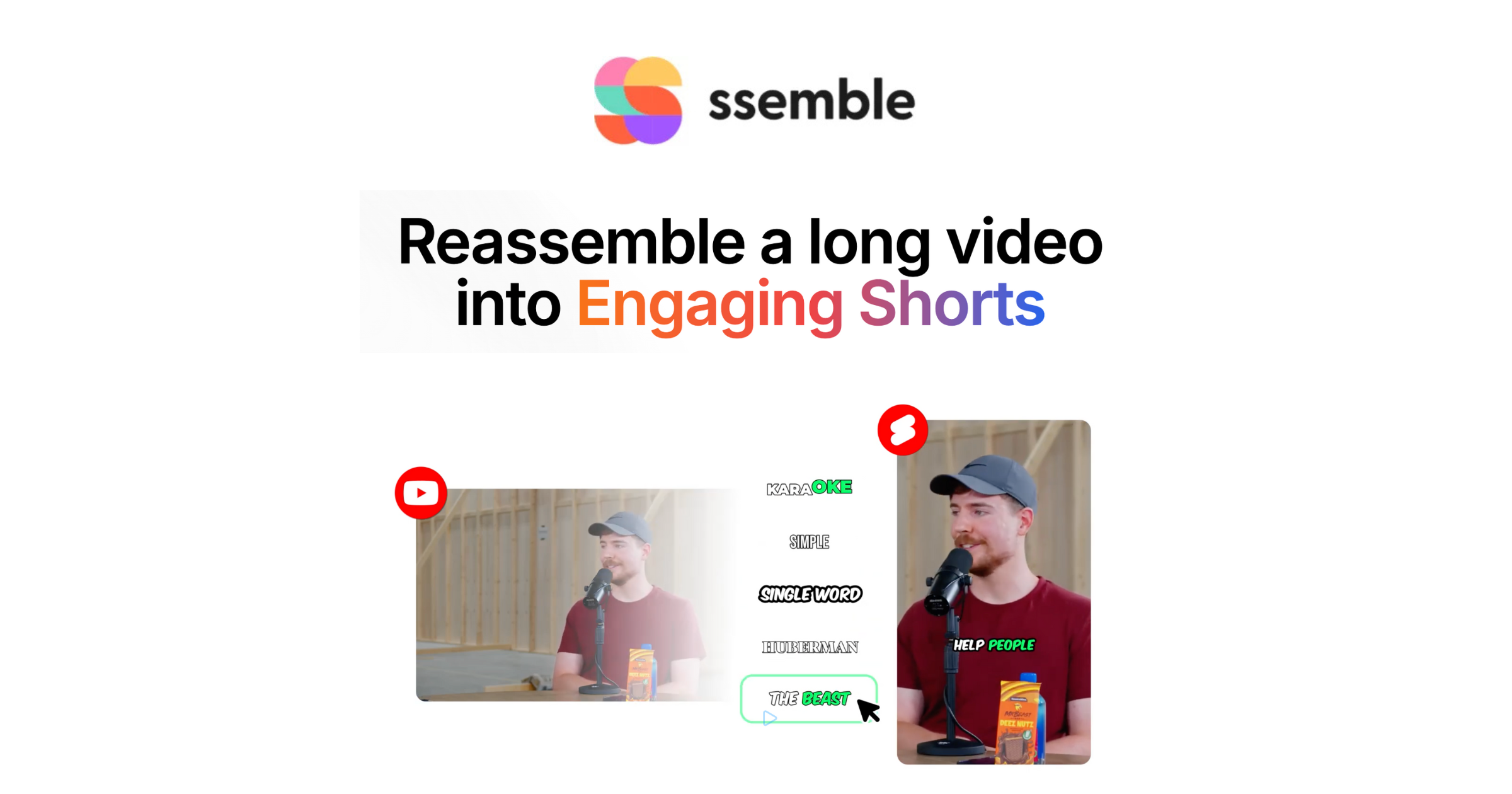
Ever spent hours editing a long video, only to find the final product just doesn't get the traction you hoped for? It’s frustrating, isn’t it? You put in all that work, and your views seem to stall while others are raking in engagement with quick, catchy clips. You're not alone—lots of creators struggle with turning their longer content into something that resonates on platforms like TikTok or Instagram.
The traditional way of editing is time-consuming and often discouraging. Plus, if you're managing multiple platforms, things can get chaotic. You might find yourself juggling editing software, struggling to identify the most viral moments, or even wasting hours just trying to get the format right. All this without considering the costs of hiring editors or using multiple tools designed for different social media platforms, which can quickly add up.
Here’s where Ssemble comes into play—a tool that’s been making waves in the content creation community. It’s designed to streamline the video editing process by using AI to instantly turn your long videos into eye-catching short clips. Unlike traditional editing methods that drain your time and energy, Ssemble focuses on efficiency, letting you spend less time editing and more time creating.
Ssemble — $6.0
See exactly how Ssemble works →What You Actually Get
AI-Powered Highlight Detection
Automatically finds engaging moments to keep your audience hooked.
No more guessing which parts of your content are the best; Ssemble does the hard work for you.
Automatic Short Clip Generation
Quickly turns long videos into multiple viral-ready segments.
You can produce several clips in minutes, ready for your social media feeds.
Smart Captioning and Subtitles
Enhances viewer retention and engagement.
Ssemble adds dynamic captions that are proven to keep viewers watching longer.
Multi-Platform Export
Easily share your content across different social media platforms.
Ssemble optimizes formats automatically for platforms like TikTok, Instagram, and YouTube.
Get Our Free Software & Services Guide
We'll send you a curated list of what actually works — no spam, unsubscribe anytime.
Honest Assessment
What Works Well
- Saves hours of editing time every week—many report cutting their editing time down drastically.
- AI automation means you can produce more content without sacrificing quality.
- Professional-grade results without needing advanced editing skills.
- Custom branding options allow your content to stay on-brand effortlessly.
Worth Knowing
- Some users have pointed out occasional glitches in functionality.
- The platform is entirely online, so a reliable internet connection is a must.
Is It Worth the Price?
Ssemble costs $6.00 per month, which is relatively low compared to traditional video editing services that can run you anywhere from $100 to $300 per project. For creators, that's a significant saving. Imagine getting professional quality at a fraction of the cost!
While the exact guarantee isn't detailed, it's always smart to check with the vendor for any specifics. Given the price, it could be worth a shot—especially if you’re looking to scale your content production without breaking the bank.
Is This Right For You?
This is a great fit if you...
- YouTubers looking to repurpose long content into engaging shorts.
- Podcasters who want to increase their social media presence with less effort.
- Content creators who need to crank out multiple videos quickly without sacrificing quality.
You might want to look elsewhere if...
- Those who prefer hands-on traditional editing methods.
- Users with unreliable internet connections, as it's a cloud-based service.
Frequently Asked Questions
How does Ssemble work?
It uses AI to automatically detect highlights in your videos and generate short clips.
How long does it take to see results?
Most users report immediate time savings, with completed clips in minutes.
Is there a money-back guarantee?
Check vendor for guarantee details.
How does this compare to other video editing software?
Ssemble focuses on AI automation to simplify the editing process, unlike many traditional editors.
Who should NOT use this?
If you're someone who enjoys detailed, manual editing, this might not be for you.
The Bottom Line
Overall, Ssemble stands out for its ability to save time and increase productivity for content creators. If you often find yourself overwhelmed by the editing process and need a tool that simplifies video production and enhances engagement, Ssemble is definitely worth considering.
Affiliate Disclosure: This article contains affiliate links. If you purchase through our links, we may earn a commission at no extra cost to you. We only recommend products we genuinely believe provide value. Individual results may vary.
Affiliate Disclosure: WayOne earns a commission if you purchase through links on this page, at no extra cost to you. We only recommend products we genuinely believe in. Individual results may vary.


.jpg)